> For the complete documentation index, see [llms.txt](https://docs.aspis.finance/llms.txt). Markdown versions of documentation pages are available by appending `.md` to page URLs; this page is available as [Markdown](https://docs.aspis.finance/step-by-step-guids/for-managers/manual-fund/managing-a-manual-fund.md).
# Managing a Manual Fund
**Making Transactions from Your Vault**
1. **Log in** to [Aspis V2](https://v2.aspis.finance/) and go to **Dashboard**.
2. Select your Vault and click **Swap**.
3. Choose a **DEX** and connect your wallet via **WalletConnect**.
4. Copy the **WalletConnect link**, return to Aspis, paste it, and confirm.
5. After connection, reload the DEX page and start trading from your Vault.
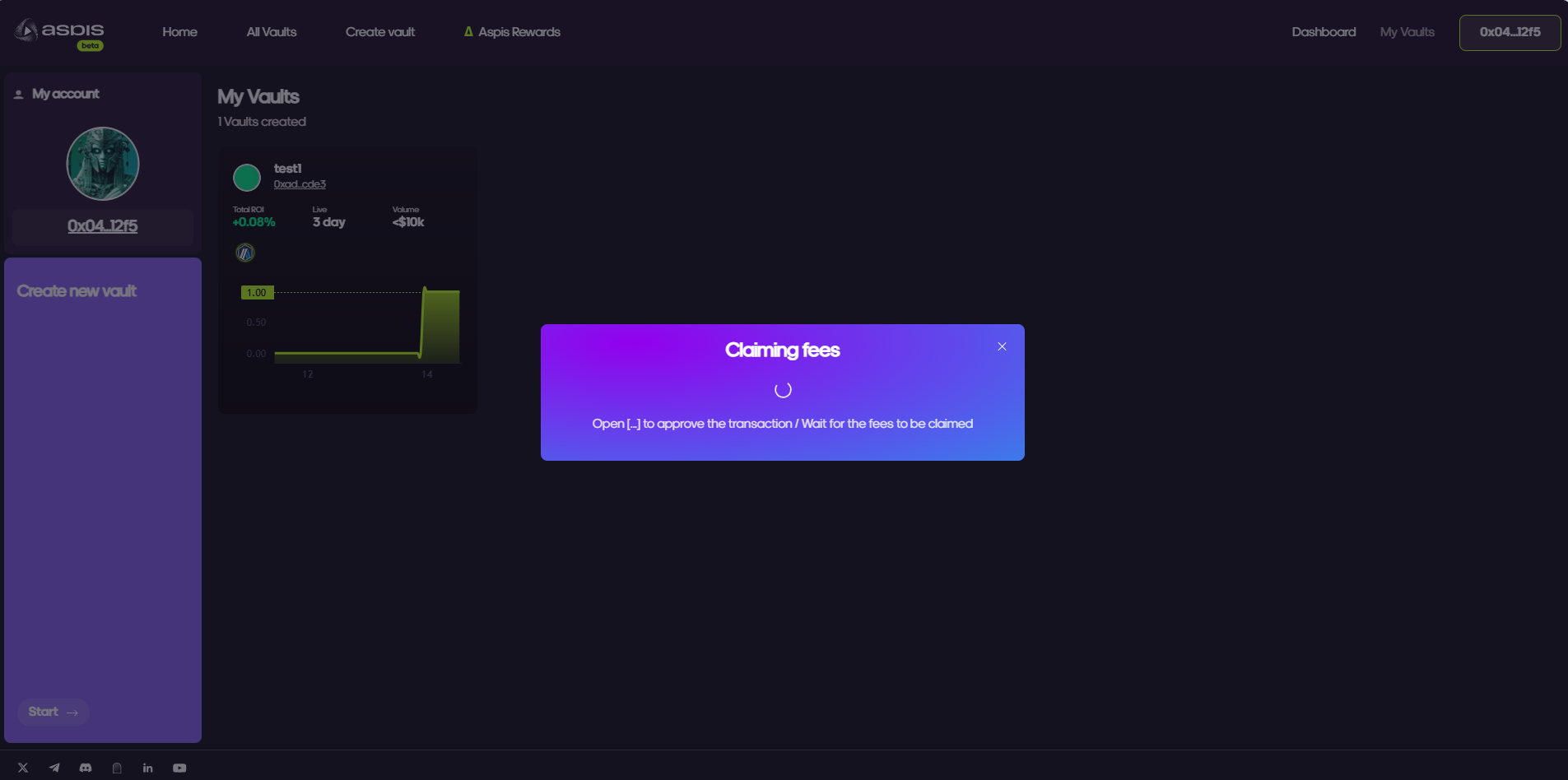
**Claiming Fees**
1. Navigate to **“My Vaults”**.
2. Select your Vault and click **“Claim Fees”**.
3. Confirm the transaction in your wallet.
4. You will receive a confirmation banner once fees are claimed successfully.